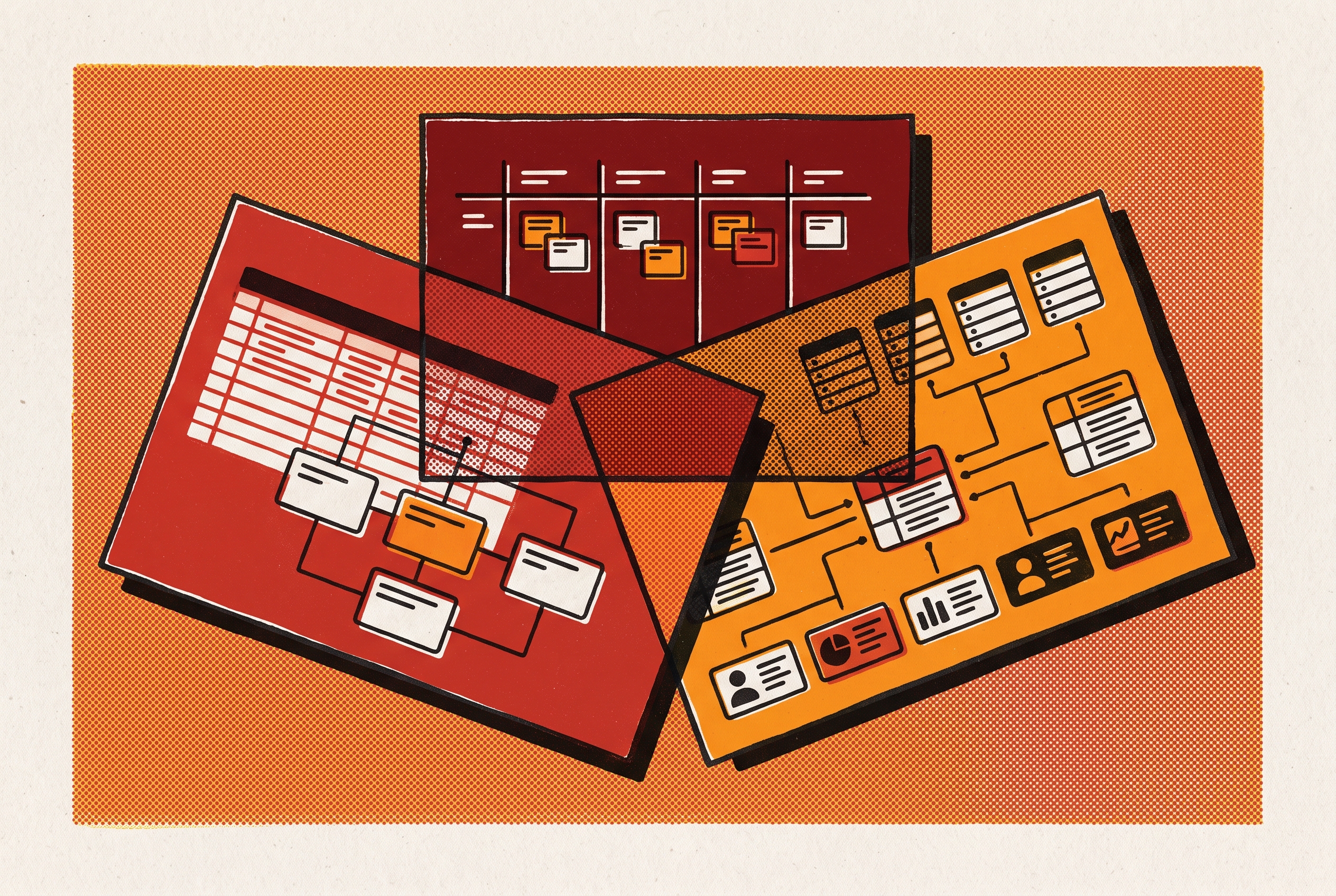
Essay Tools on Budget
Airtable vs Notion vs Smartsheet for Nonprofits
Three platforms solve different nonprofit problems depending on where your operational weight falls.
Choosing between Airtable, Notion, and Smartsheet for nonprofits means choosing the structure that can carry the team’s work. Quwa Labs offers a custom-engineered system when those general-purpose structures no longer fit. For teams still choosing among them, the answer starts with where the operational weight falls, whether in linked data, shared knowledge, or structured program delivery.
How Airtable, Notion, and Smartsheet are actually built — and why architecture is the right starting point
Airtable starts with a relational database engine and puts spreadsheet-style views and interfaces on top. Its schema is enforced at the table level. Records link across tables, while formulas and rollups support work that resembles a lightweight SQL database. The table structure is therefore the foundation, even when staff mostly see a calendar or a form.
Notion starts with blocks and pages, with databases as one content type among many. Structured records and written material can live on the same page. Smartsheet looks like a spreadsheet but operates as a project management engine, using indented rows, dependencies, predecessors, and critical path analysis. For a nonprofit, the starting question is which structure matches the work that carries the most operational weight.
What nonprofit operational reality actually looks like before any tool enters the picture
The person who builds a nonprofit’s system may also run programs, write funding applications, and organize the work of volunteers. The person who maintains that system later may not have helped design it. With high volunteer turnover, a tool that only its builder understands becomes an organizational risk when that person leaves. Ease of adoption must therefore mean more than getting the first version working. It must include whether the next person can understand and maintain it.
Without someone in charge of IT governance, pages, bases, and workflows can pile up without anyone taking care of the whole system. Each may solve a problem now but add something that someone will have to maintain later. That makes flexibility useful but incomplete as a measure of fit. For a technical partner such as Quwa Labs, the relevant constraint is not just what staff can build, but what their replacements can sustain.
Budget decisions add another constraint because software spending competes with program outcomes. A higher annual bill has to make sense in mission terms. Compliance can limit the choice further, especially for health-adjacent programs that handle protected health information or grant-funded work that must pass federal audits. These concerns change what counts as a suitable tool in the first place.
The MVP-to-production trap that catches nonprofits on all three platforms
A program manager builds a volunteer tracker or donor database over a weekend on a free plan. It works, colleagues adopt it, and the organization standardizes on it. What looked like a small convenience has become an architectural commitment. Quwa Labs has often seen this pattern in nonprofits whose first tools become harder to keep running as their programs grow. Teams can exercise sound judgment and still face a gap between proving that a workflow works and supporting it in production.
That gap first appears in capacity limits. Airtable’s free tier lets a base hold up to 1,000 records. Smartsheet’s grid view lets a sheet hold up to 20,000 rows, though Enterprise users can switch each sheet to large-scale table view for 100,000 rows. Notion has no hard record limit, but performance degrades with large databases.
Customizations and pricing expose the same gap in other ways. Airtable’s scripting extension and Notion’s API integrations can fill missing functions, but they also create work that may outlast the person who wrote them. Meanwhile, moving from free to paid, or from Team to Business, can produce a budget shock just as adoption grows. This is technical debt, meaning obligations created by an earlier solution that must now be carried or rebuilt. The useful test is whether the MVP-stage choice can support production volume without that rebuild.
Where Airtable fits nonprofit operations well — and where its architecture creates problems
Airtable’s strongest case is work that depends on relationships between records. Donors, volunteers, and programs can sit in separate tables connected through linked records, lookups, and rollups. Different staff can then use views including grid, kanban, calendar, gallery, Gantt, and form without maintaining separate sources of data. Interface Designer adds cleaner portals for board members or volunteers who do not need the full database. AI features for field generation, summarization, and classification also help with large volumes of unstructured program notes.
The trade-off is that someone must design the structure those conveniences depend on. Airtable gives teams plenty of freedom to model their work but less help with how that work should flow. For a team with thin governance and frequent turnover, a flexible database can become a system only its builder can maintain. Airtable also lacks a grants module, fund accounting concepts, and built-in structures for nonprofit program reporting. Grant tracking and multi-program reporting are possible, but the organization has to build them.
Team-tier bases cap at 50,000 records, while Business-tier bases cap at 125,000, which matters for multi-year beneficiary tracking or large volunteer populations. With annual billing, the cost is $20/user/month for Team and $45/user/month for Business. Qualifying nonprofits receive a 50% monthly discount on Team, bringing it to $12/user/month ($144/user/year), but that discount does not extend to Business or Enterprise Scale.
Long-term dependence also brings ownership into the decision. Bending Spoons agreed to acquire Airtable on August 4, 2026, and the deal closed September 4, 2026. Its history of restructuring pricing and feature access after acquiring productivity tools makes future terms a planning risk while leaving any particular future change uncertain. Airtable remains a strong fit where relational data is central and a technically comfortable staff member can own the architecture. That ownership must cover both the database and the cost of keeping it viable.
Notion starts with blocks and pages, with databases as one content type among many.
Where Notion fits nonprofit operations well — and where its document-first architecture runs out
Notion can be a good choice in its own right, especially when a nonprofit’s main work is to create and share knowledge. Program playbooks, onboarding materials, brand guidelines, and funder documentation fit naturally into a page-based workspace. Teams can use collaborative editing and comments to work on grant narratives, board materials, and program reports. Databases then give teams a way to organize simple contact lists, tasks, and project status. For this profile, documents are not extras attached to the system but the substance of the work.
The team should carefully assess whether it genuinely needs more relational depth than that. Data with some complexity may fit well without the field-type depth, formula power, or relational record behavior that Airtable offers. However, Notion’s linked records are not equivalent to Airtable’s relational engine, and its automation is more limited for complex trigger-action workflows. The lack of a hard record limit does not remove the performance constraint of large databases. Teams therefore need to judge how well it handles large numbers of beneficiaries and years of program records differently from how well it handles a team wiki with task tracking.
Cost gives that distinction real weight. The cost of Notion’s Plus plan is $10/user/month with annual billing, and Business costs $18/user/month. For a 50-person team comparing Business plans, the annual difference from Airtable is significant. Notion also offers eligible organizations in 25+ countries 50% off the Plus plan. Those savings matter when a team’s data needs are simple enough to do without the extra relational power, though HIPAA BAAs are available only on Enterprise plans, as they are with Airtable.
Where Smartsheet fits nonprofit operations well — and what its project-management architecture actually costs
Smartsheet’s clearest distinction is its fit for formal, compliance-sensitive program delivery. It has SOC 2 Type II, FedRAMP authorization, and Gov Cloud availability, and its formal approval workflows and audit trails help teams meet grant reporting requirements. HIPAA eligibility, however, is Enterprise plan only. It should not be treated as a route to HIPAA coverage below Enterprise. Health-adjacent nonprofits must still account for that contract when setting their budgets.
Its project structure fits programs that have milestones, chains of accountability, and work that must wait for earlier work to be done. Hierarchy, predecessors, dependencies, and critical path analysis make those relationships explicit. The spreadsheet interface can also feel familiar to Excel users. But familiarity is not the same as flexible data modeling, and the workflow model is less natural for fluid creative, content, or product work. The grid-view row cap also matters when a project sheet becomes a long-running store of beneficiary data.
The real price depends on the base plan, participation, and add-ons. Unlimited free Contributors on Pro and Business can reduce costs for volunteer workforces whose members only update rows. Pro is capped at 1–10 members with 250 automations/month, while Business requires at least 3 members and offers unlimited automations. Business is the first plan with Timeline view, workload tracking, and admin controls. Advanced features add further costs, including Dynamic View from $125/month and Data Shuttle at $100/month, with Bridge automation and Control Center also sold as add-ons.
These terms make Smartsheet a serious option for grant-governed programs, but not an automatic bargain. Because it is owned by private equity, teams choosing it for several years also face the risk of price changes when they renew. The relevant comparison is therefore the cost of the working configuration, including the functions needed for actual program delivery. A structured project engine can be worth that cost when most of the work depends on dependencies and formal reporting.
How to match the tool to where your nonprofit's operational weight actually falls
Start by asking what has to stay connected for the team to do its work. If donors link to gifts and programs, or volunteers link to shifts and outcomes, relational depth matters. Airtable fits that pattern when the organization can also support an architectural owner. If most effort instead goes into writing, reviewing, and finding shared material, Notion’s document-first structure may meet the need more directly. The distinction is between records that must relate and knowledge that must remain easy to use.
Next, ask what makes delivery difficult. If programs depend on formal timelines, linked tasks, approvals, and audit requirements, Smartsheet’s project engine becomes more relevant. Compliance should then act as a gate. A health-adjacent program that cannot afford an Enterprise contract should not assume any of these three provides the needed HIPAA arrangement at a lower tier. Budget fit cannot compensate for a contract that does not cover the work.
Finally, ask who will keep the system usable after its builder leaves. An operations team made up mostly of volunteers may get more out of Notion’s document structure or Smartsheet’s guided project model than Airtable’s flexibility. Teams still have to weigh data and workflow limits, even when a tool is easier to adopt or costs less. Model the likely working configuration, its growth constraints, and its maintenance burden together. The strongest fit is the one whose structure matches the important work without asking the team to become something it is not.
When none of the three is the right answer — and what a purpose-built or custom-engineered alternative looks like
Sometimes the comparison reveals that the category itself is wrong. Core workflows may depend on extensive scripting or API customization, while record limits and relational constraints produce more workarounds. Compliance may rest on add-ons and manual processes. When staff spend meaningful time maintaining those arrangements instead of running programs, another general-purpose workspace may merely relocate the burden. The need is then for a different foundation.
Quwa Labs is one option for nonprofits that need a technical partner to rebuild that foundation. It works with teams stretched by manual tooling and funding cuts, with an ongoing partnership intended to continue beyond handoff through maintenance. That approach fits when the system itself must be built around tight budgets, staff who do several jobs, and turnover. Other product engineering studios and technical consultancies also serve this need. Any partner should be evaluated on values alignment, familiarity with nonprofit constraints, and willingness to remain involved over the long term.
A rebuild is not the only alternative. Software built for nonprofits has structures that the three general tools lack, including grants modules, fund accounting concepts, and program reporting. Self-hosted tools are another option for organizations worried about letting a vendor control where sensitive beneficiary data is stored. Baserow is open source under a permissive license, while NocoDB is source-available under the Sustainable Use License and has no open source certification. Both offer Airtable-like data modeling without the same SaaS vendor dependence, but the choice still comes back to which structure the nonprofit can sustain while doing its mission work.